This is a partial user and operations guide. The full guide is available to platform subscribers and active users only. We publish this public selection so evaluators get an initial sense of capabilities and workflows. Private guide content may change with ongoing product improvements.
Console — Explore
Explore view of the Console (http://localhost:8093 in Development). The canvas (browser graph library) paints a recalculated snapshot of the live store: it is not a persistent graph. Each request to the console telemetry backend rebuilds nodes and edges.
Related: Console — Operate index · Knowledge layers.
What it is and is not
| It is | It is not |
|---|---|
| Live operational graph (hosts, agents, tasks, chats, RAG, skills…) | Ontology catalog (Ontology → separate tab) |
| Recalculated snapshot on every refresh | Code graph (compiled repository graph artifact) |
Operations panel for admins with institution:read | Client RDF/SHACL catalog |
The live-graph vocabulary is closed. CI runs tools/check_vocabulario_del_grafo.py and tools/check_shacl.py (pyshacl, inference=none). An emitted undeclared type fails the pipeline.
Prerequisites
| Requirement | Check | If it fails |
|---|---|---|
| Main stack | curl -sf http://localhost:8093/healthz → 200 | make up |
| OIDC auth | Open http://localhost:8093 (localhost, not 127.0.0.1) | Redirect URI in identity provider |
| Role / scope | You see Explore on top and the graph loads (no 401 banner) | Role with institution:read |
| Institution with data | Canvas counters > 0 (e.g. provisioned demo institution) | Catalog + Provisioning |
Snapshot backend: console telemetry (:8091), proxied via Console at /api/telemetry/….
Enter Explore
- Open
http://localhost:8093and authenticate with OIDC (Sign in if the landing asks). - At the top, between Ontology and Operate, click Explore.
- (Optional) ES / EN top-right — EN screenshots are published under
/img/operar/en/when available.
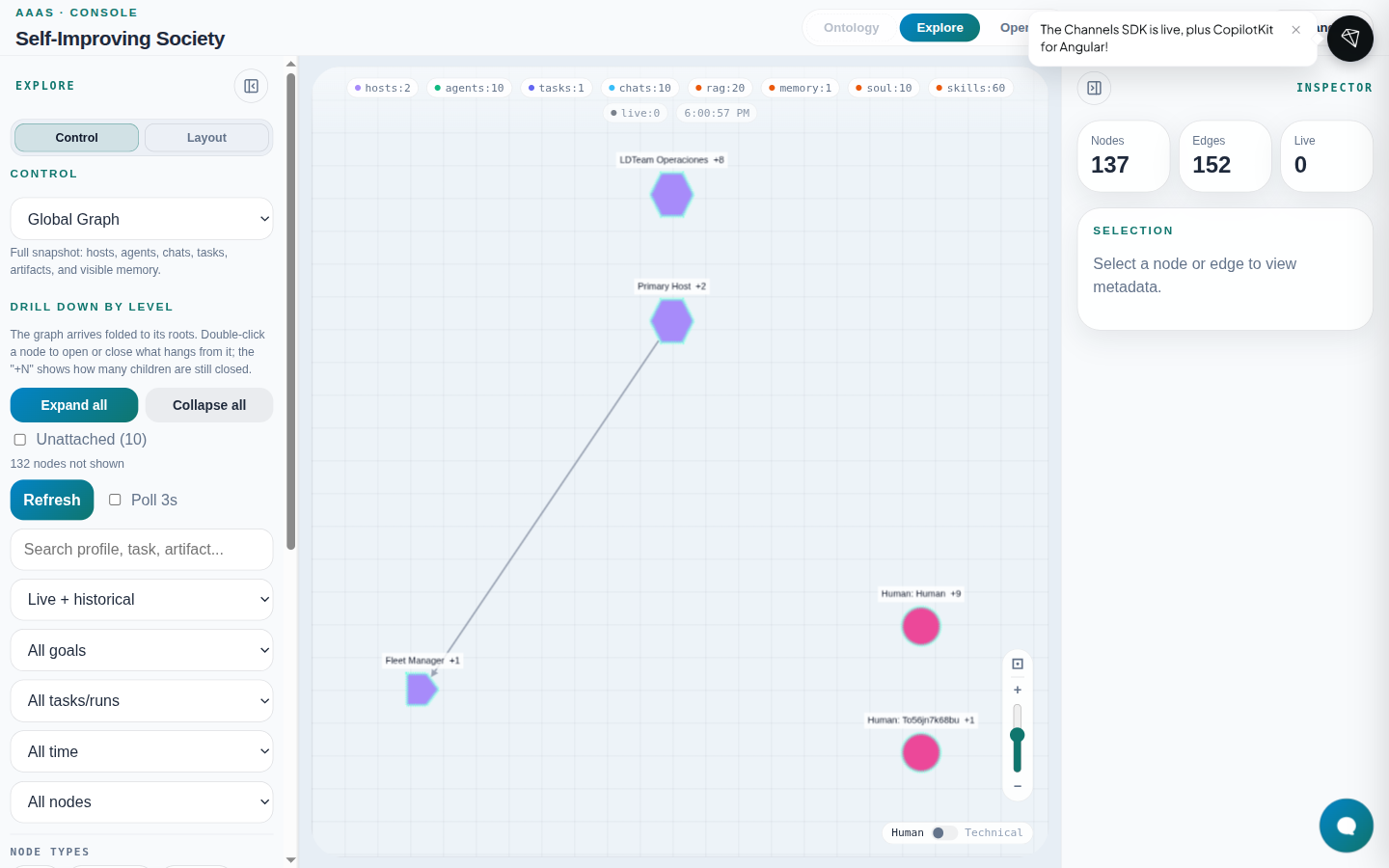
The canvas top bar summarizes counts by family (hosts, agents, tasks, chats, rag, …) and the last snapshot time.
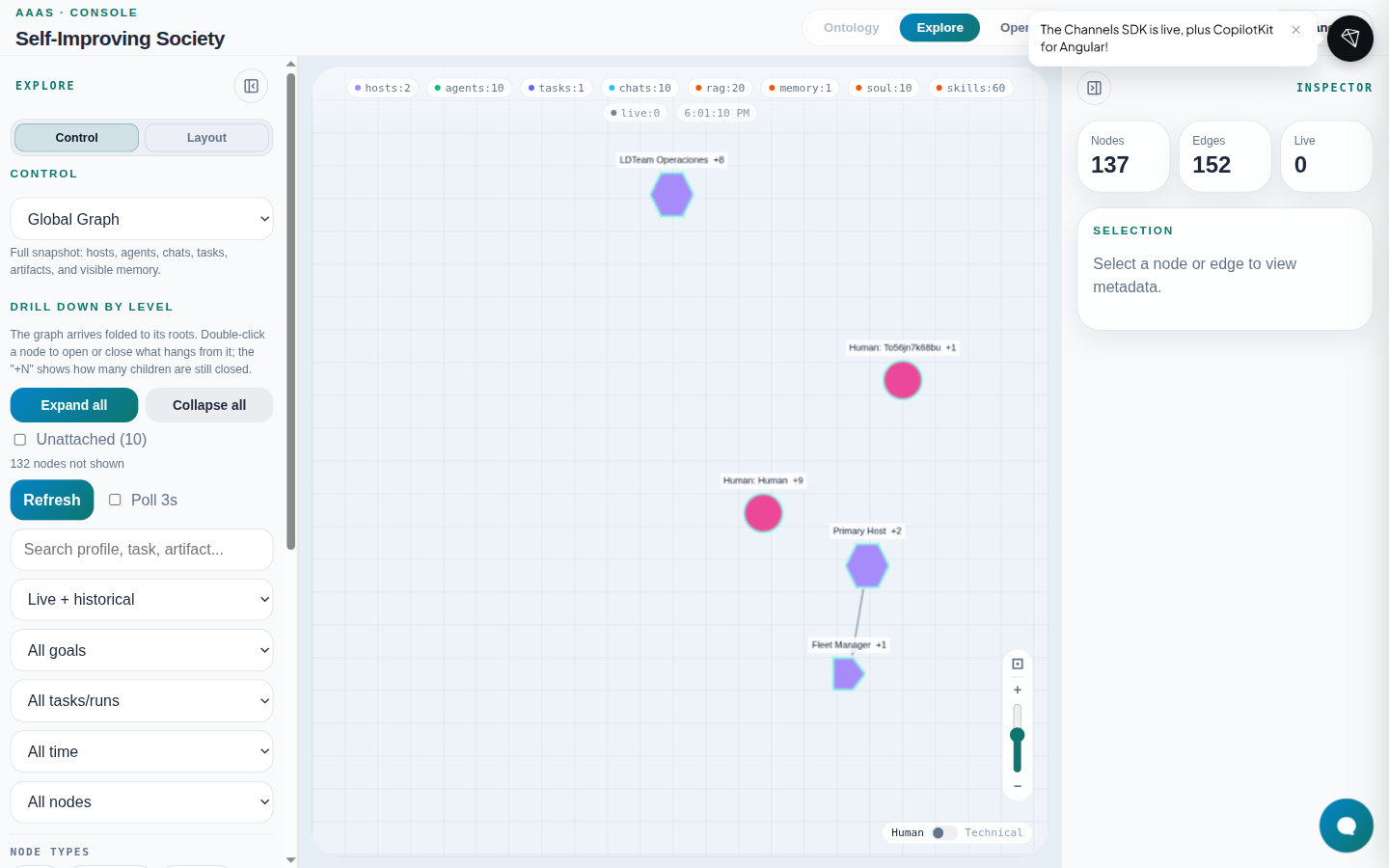
Left panel — Control tab
Graph view selector
The Global Graph dropdown changes the snapshot slice (GRAPH_VIEW_OPTIONS):
| Internal value | UI label | What it shows |
|---|---|---|
global | Global Graph | Full snapshot: hosts, agents, chats, tasks, artifacts, visible memory |
runtime | Runtime Graph | Execution canvas: chats, goals, tasks, runs, artifacts, connected participants |
inventory | Society Inventory | Society at rest: hosts, agents, RAG, sessions, base capabilities |
agent-knowledge | Agent Knowledge | Per-profile identity/knowledge; excludes chat threads |
society-knowledge | Society Knowledge | Sanitized society-wide knowledge graph |
chat-threads | Chat Threads | Conversations, turns, humans, agents, goal candidates |
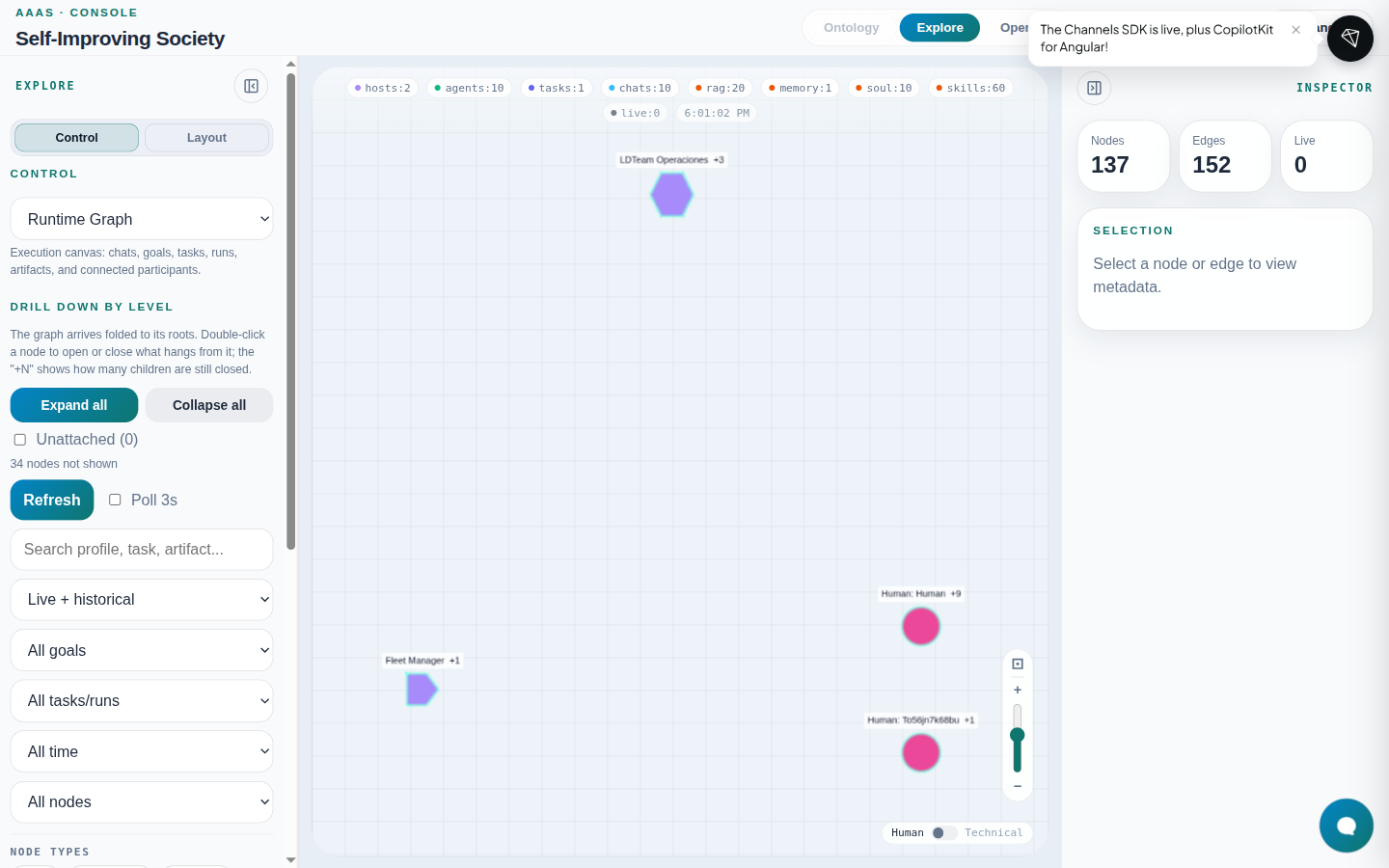
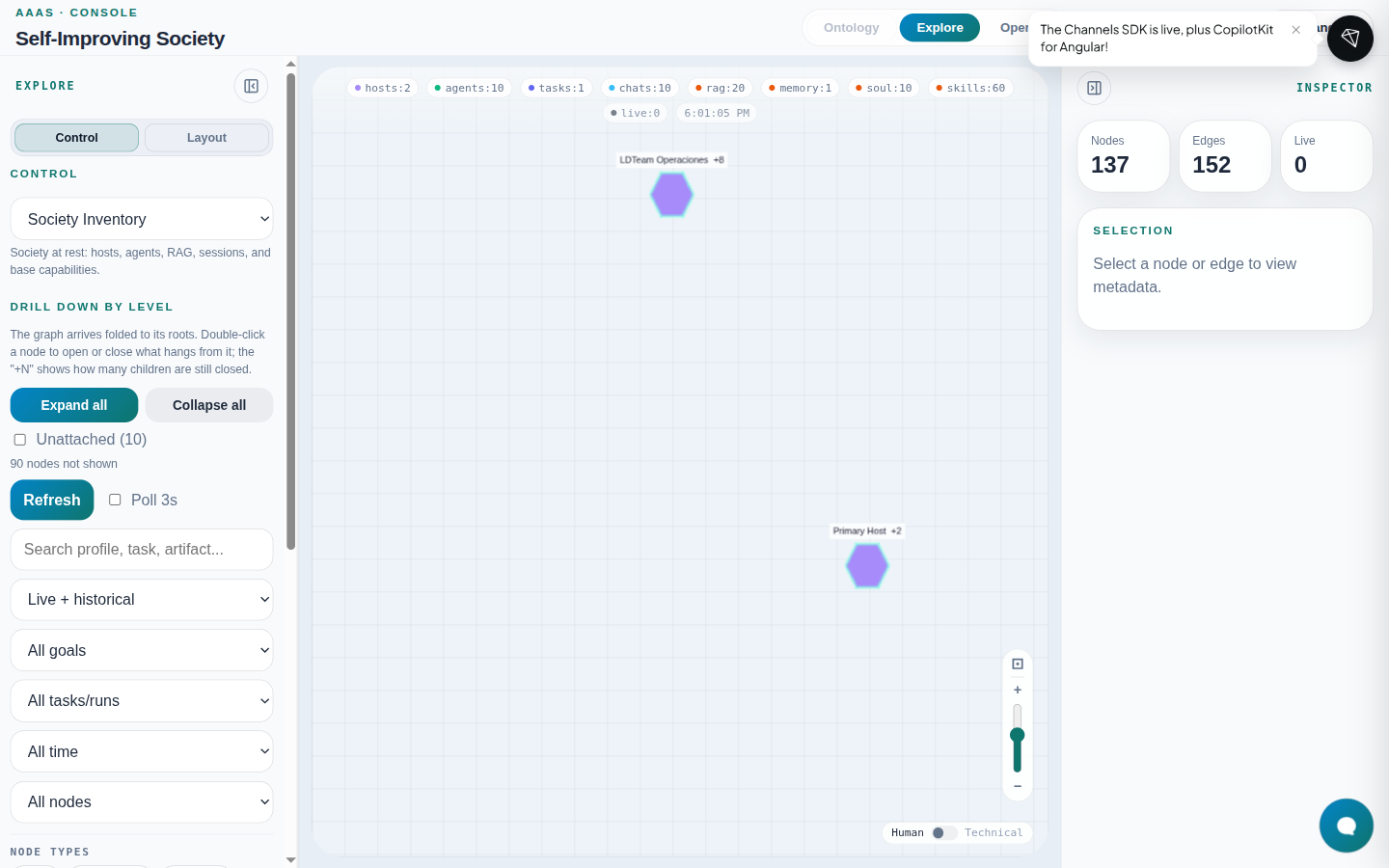
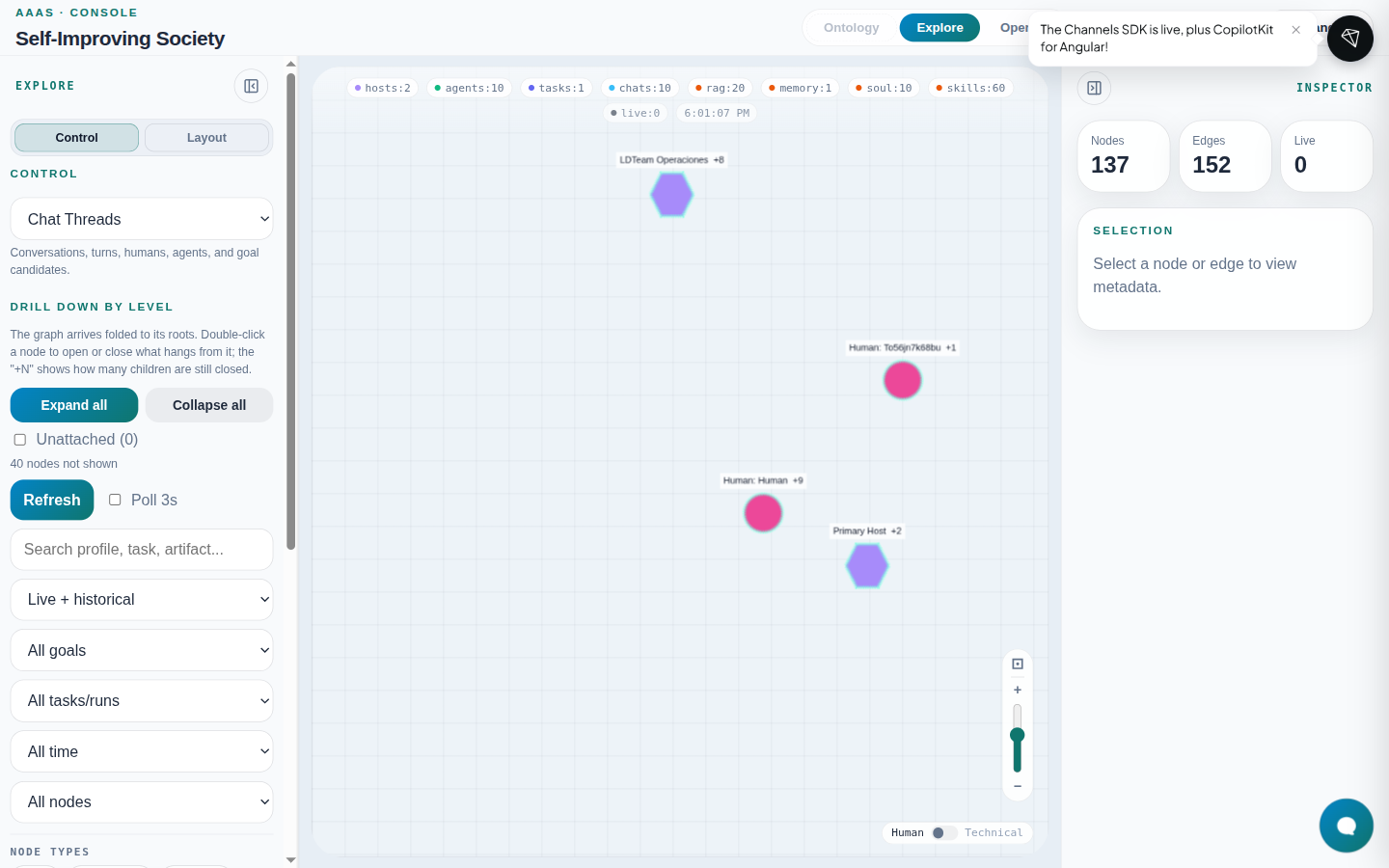
Federated (coming soon): disabled option in the selector; today the snapshot is for the active institution.
Level drill-down
The graph arrives folded at its roots:
- Double-click a node → expand or collapse children;
+Nbadge = hidden children. - Expand all / Collapse all — bulk shortcuts.
- Unattached (N) — nodes without an edge to the main component.
- «N nodes not shown» — active drill-down or hidden by filters.
Filters and search
| Control | Effect |
|---|---|
| Refresh | Manual snapshot reload |
| Poll 3s | Auto-refresh every 3 seconds |
| Search | Filter by profile, task, artifact… |
| Live + historical / Live only / Historical only | Edge temporality filter |
| Goals / Tasks | Scope to one goal or task |
| Time window | Last 15 min … last week |
| Top K | Top 25/50/100 nodes by activity |
| Node / edge / status types | Taxonomy family checkboxes |
| Clear filters | Restore defaults |
Left panel — Layout tab
Defines how nodes are arranged (not which data is included):
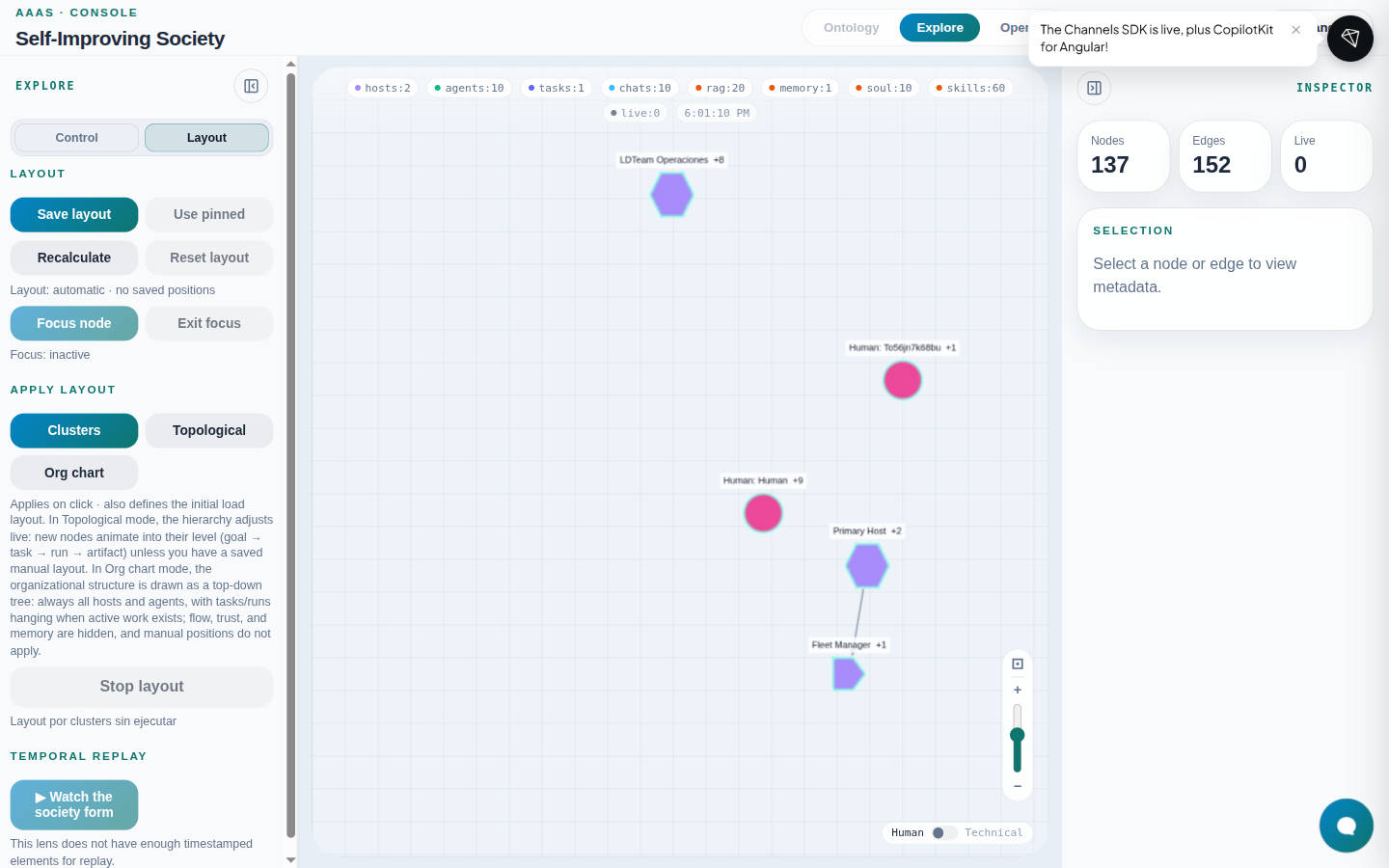
| Action | Use |
|---|---|
| Save layout / Use pinned | Persists positions in browser localStorage |
| Recalculate / Reset layout | Back to automatic layout |
| Focus node / Exit focus | Semantic zoom to a chosen node |
| Clusters | Community detection grouping |
| Topological | Live execution hierarchy |
| Org chart | Top-down organizational tree |
| Temporal replay | Rebuild graph by timestamp range |
Canvas and labels
- Zoom —
+/−bottom-right; mouse wheel. - Fit — framing icon next to zoom.
- Human / Technical — readable labels vs technical ids.
Inspector (right panel)
- Click a node or edge on the canvas.
- The Inspector shows kind, type, status, id, SOUL (Raw) link when applicable, and metadata.
Causal lens
With a node selected in Explore, enable the causal lens (banner over the canvas):
- Backward / forward / both from the root node.
- Exit restores the full snapshot.
Integrated copilot
The teal bubble bottom-right opens the Console copilot (same OIDC session). It reads the current snapshot and can navigate Operate views. See Chat — Widget.
Troubleshooting
| Symptom | Likely cause | Fix |
|---|---|---|
| 401 Unauthorized banner / empty graph | Expired OIDC session or missing institution:read | Sign out, re-enter via localhost:8093 (not 127.0.0.1) |
| Empty graph (0 nodes) | No live hosts or events | Provision a preset (Provisioning) |
| Ontology inert | No dev:write or local ontology catalog not deployed | Ontology |
| Unknown types in warnings | Emitter outside closed vocabulary | Fix telemetry or extend SiS ontology in repo |