This is a partial user and operations guide. The full guide is available to platform subscribers and active users only. We publish this public selection so evaluators get an initial sense of capabilities and workflows. Private guide content may change with ongoing product improvements.
RAGs (Agent RAGs)
?view=agent-rags · Context: Corpus and skills
URL: http://localhost:8093/?view=agent-rags
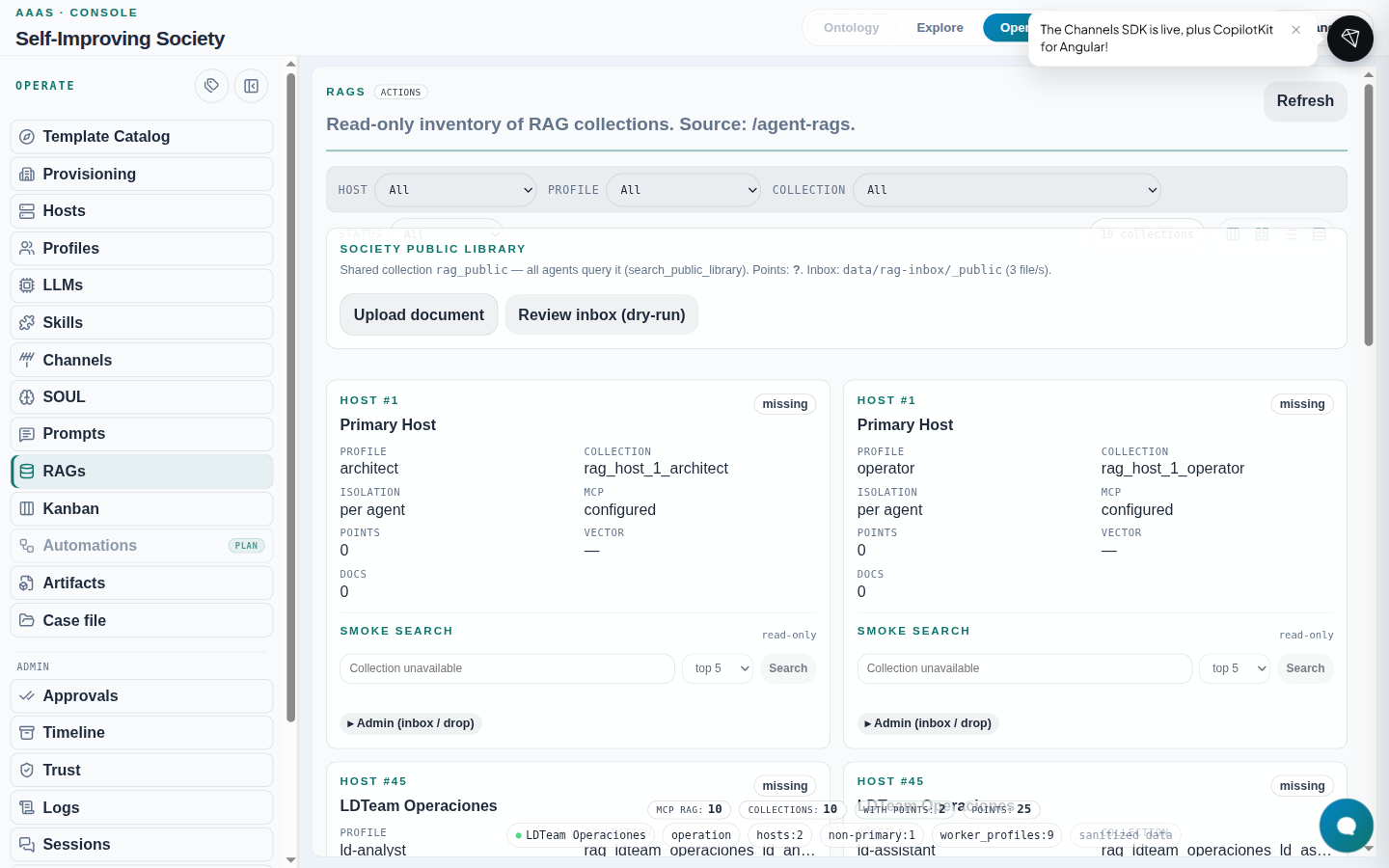
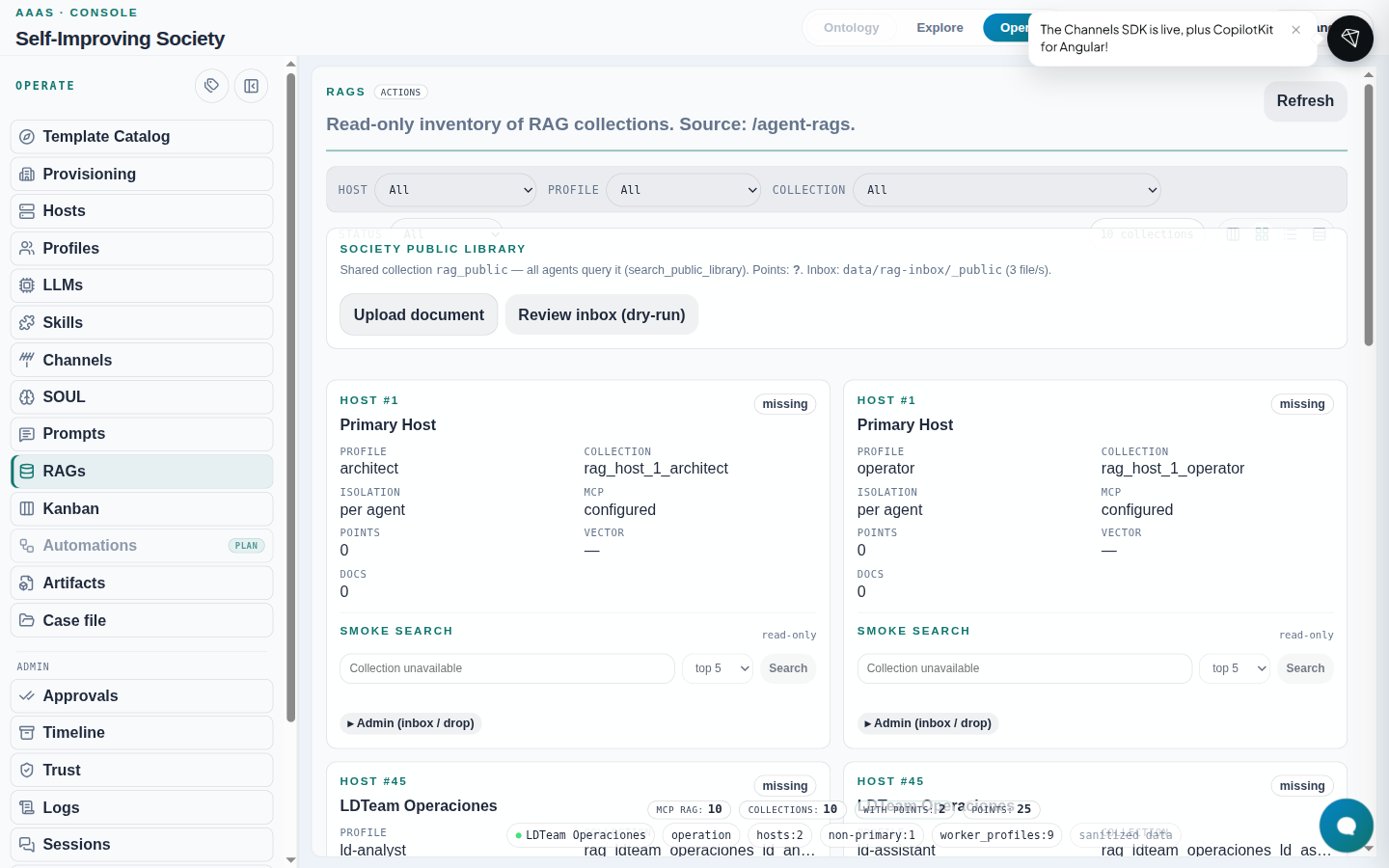
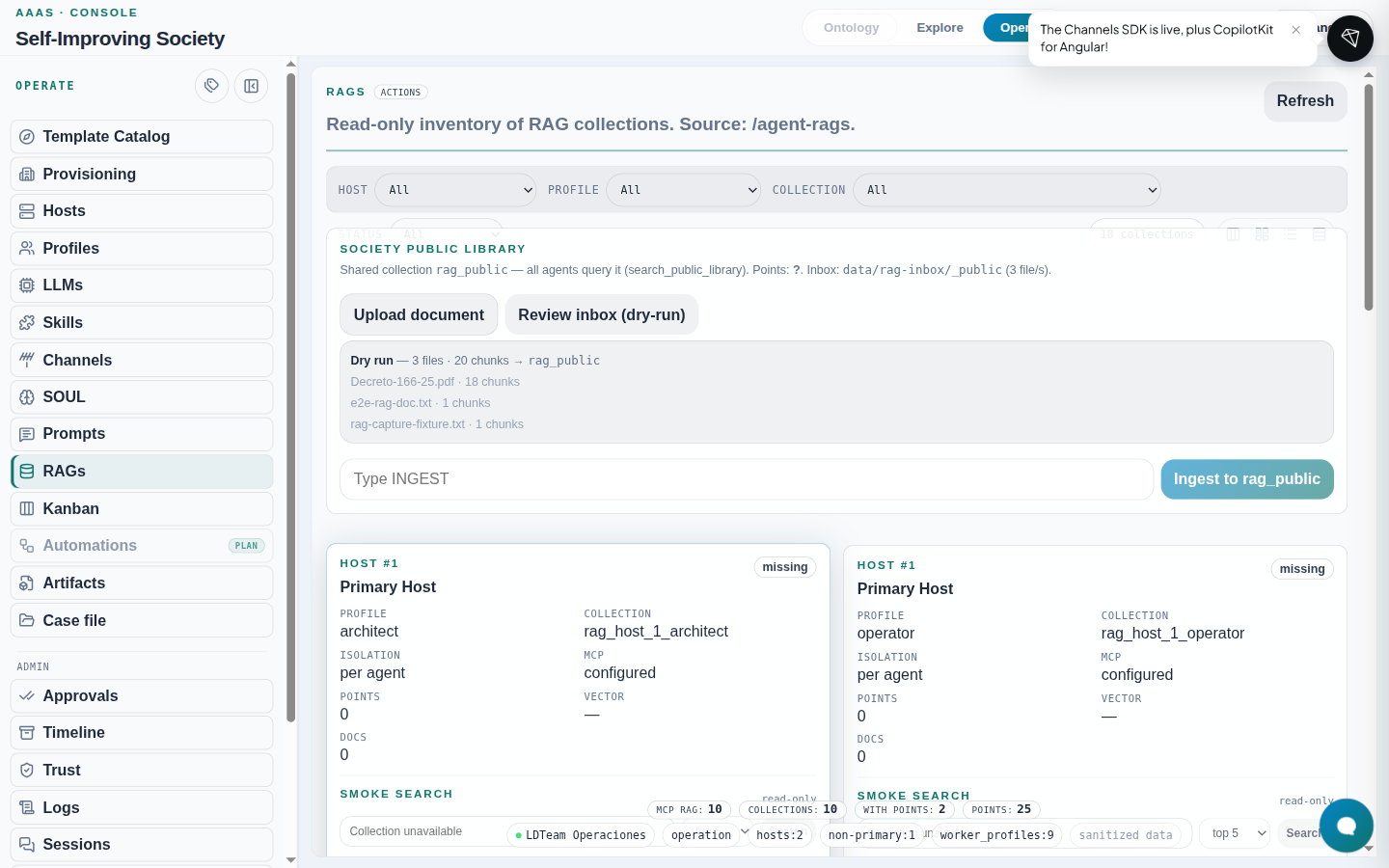
- Inventory of collections by host/profile (
GET /agent-rags). - Public library at top: upload + dry-run + ingest with
INGESTconfirmation. - Each agent card: state (
ok/missing/error), smoke search, Admin panel (upload / queue / drop) withrag:write.
Ingest step by step (UI)
- Locate the profile row (e.g.
ld-researcheronLDTeam Operaciones). - Expand Admin (queue / drop).
- Upload document → choose
.txt/.md/.pdf. - Review queue (dry-run) → check chunks.
- Type
INGEST→ Ingest.
What to expect: after a successful ingest, state becomes
okand smoke search stops reporting collection unavailable.
If it fails: 504 on large PDFs (nginx timeout ~60 s). CLI alternative:
# dry-run
containers exec society-executor society rag ingest \
  --profile ld-researcher --host ldteam-operaciones \
  --path /path/mounted/in-the-executor

# real ingest
containers exec society-executor society rag ingest \
  --profile ld-researcher --host ldteam-operaciones \
  --path /path/mounted/in-the-executor --confirm INGEST
The executor image includes society-rag. If an older container reports
ModuleNotFoundError: society_rag, rebuild and recreate only that service:
make build-executor
container orchestration --env-file .env -f infra/compose.yml \
  up -d --no-deps --force-recreate society-executor
Writes require SOCIETY_RAG_WRITE_ENABLED=true; the default is false. After ingest,
society rag list --profile <p> --host <h> and this view must show the same collection.