Provisioning
?view=provision · Context: Institutions
URL: http://localhost:8093/?view=provision (alias ?view=wizard rewrites to provision).
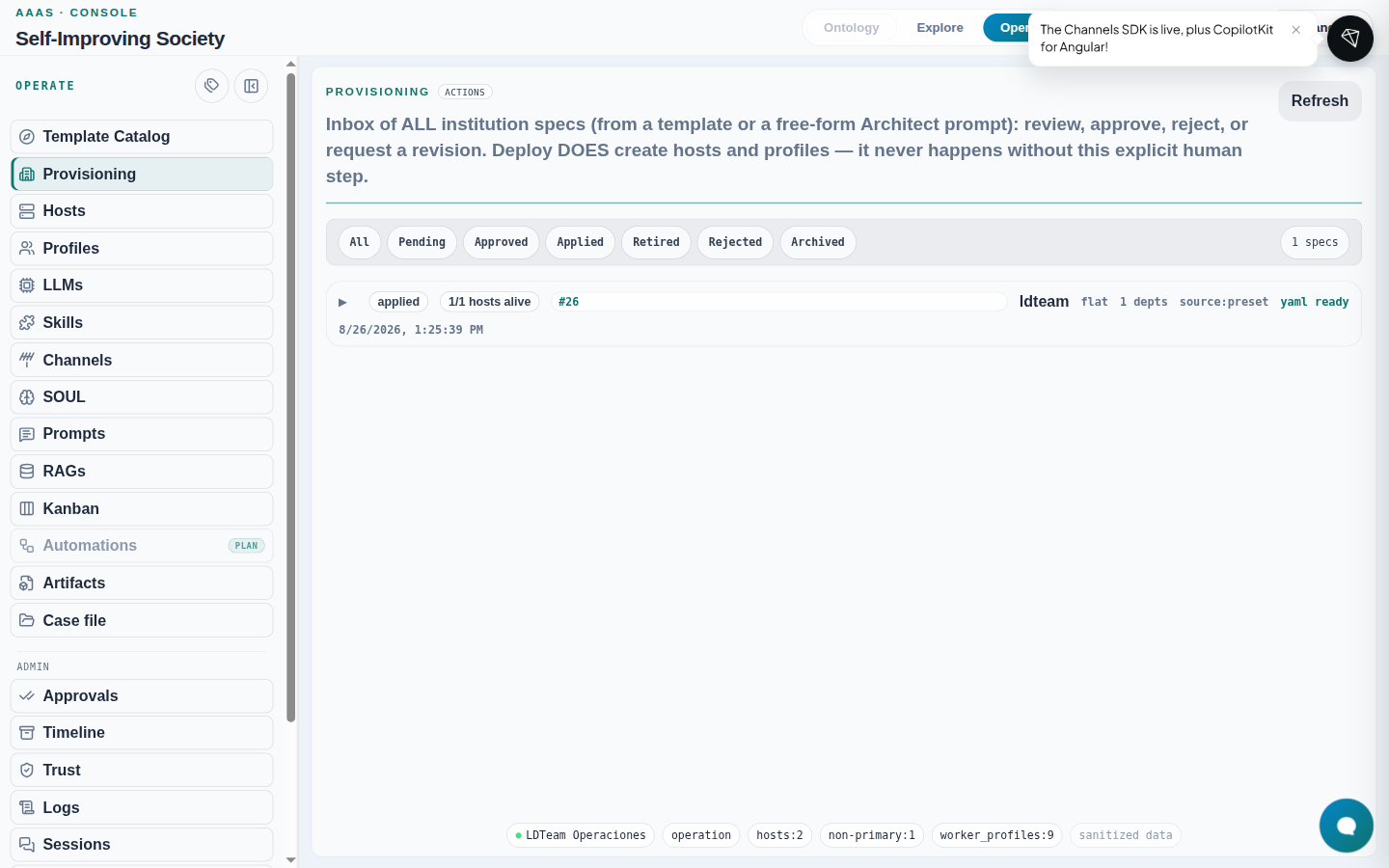
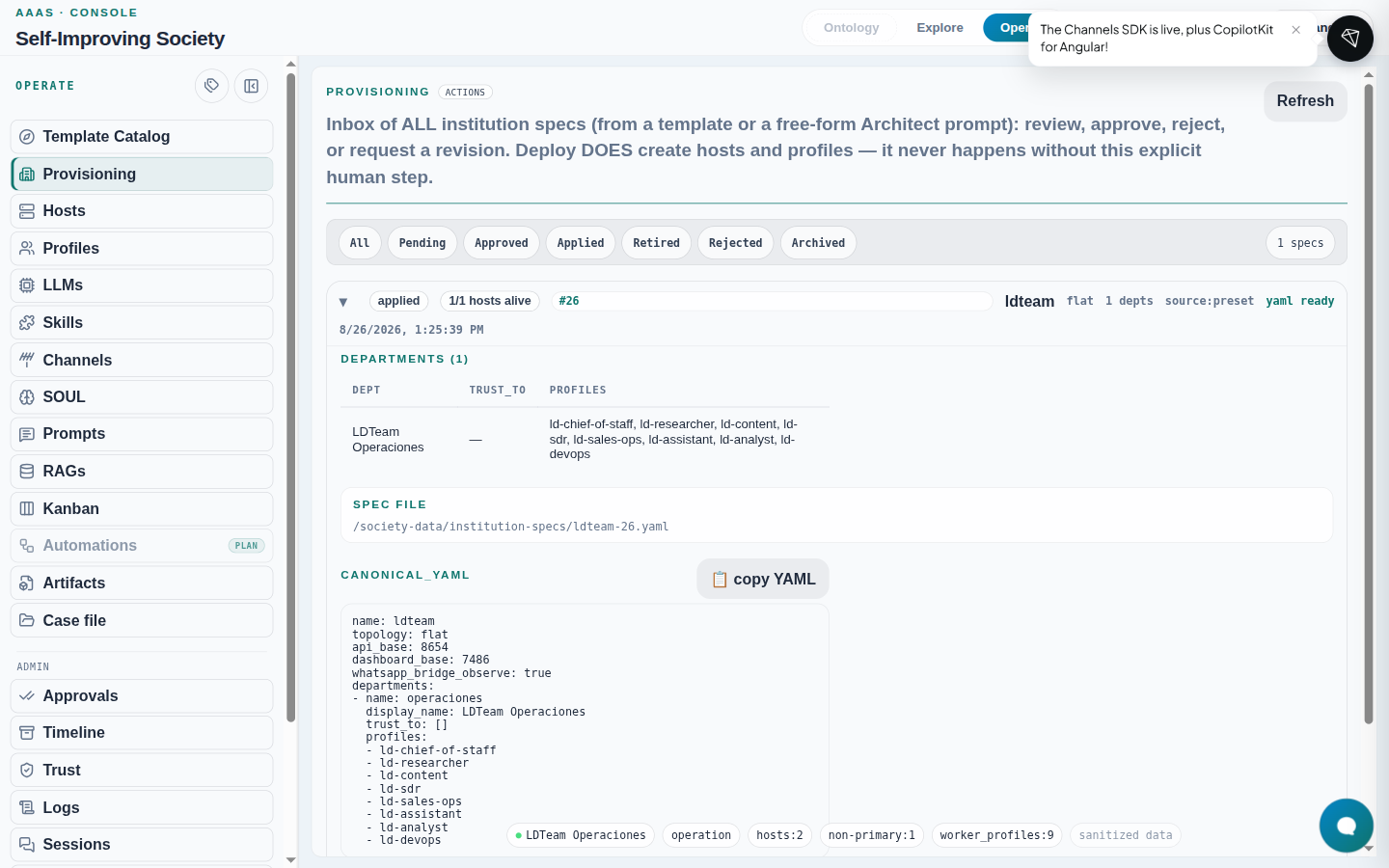
- Operate → Provisioning.
- Queue of all specs (preset or Architect chat).
- Filters: All / Pending / Approved / Applied / Retired / Rejected / Archived.
- There is no Prepare button here — that lives on the Template catalogue.
- Expand a row: departments, profiles, YAML path, canonical YAML (copy), actions by state.
| State | Typical detail actions |
|---|---|
| applied | Publish as template · Re-deploy · Create revision · Retire institution |
| rejected | Publish as template · Create revision · Archive |