RAGs (Agent RAGs)
?view=agent-rags · Context: Corpus and skills
URL: http://localhost:8093/?view=agent-rags
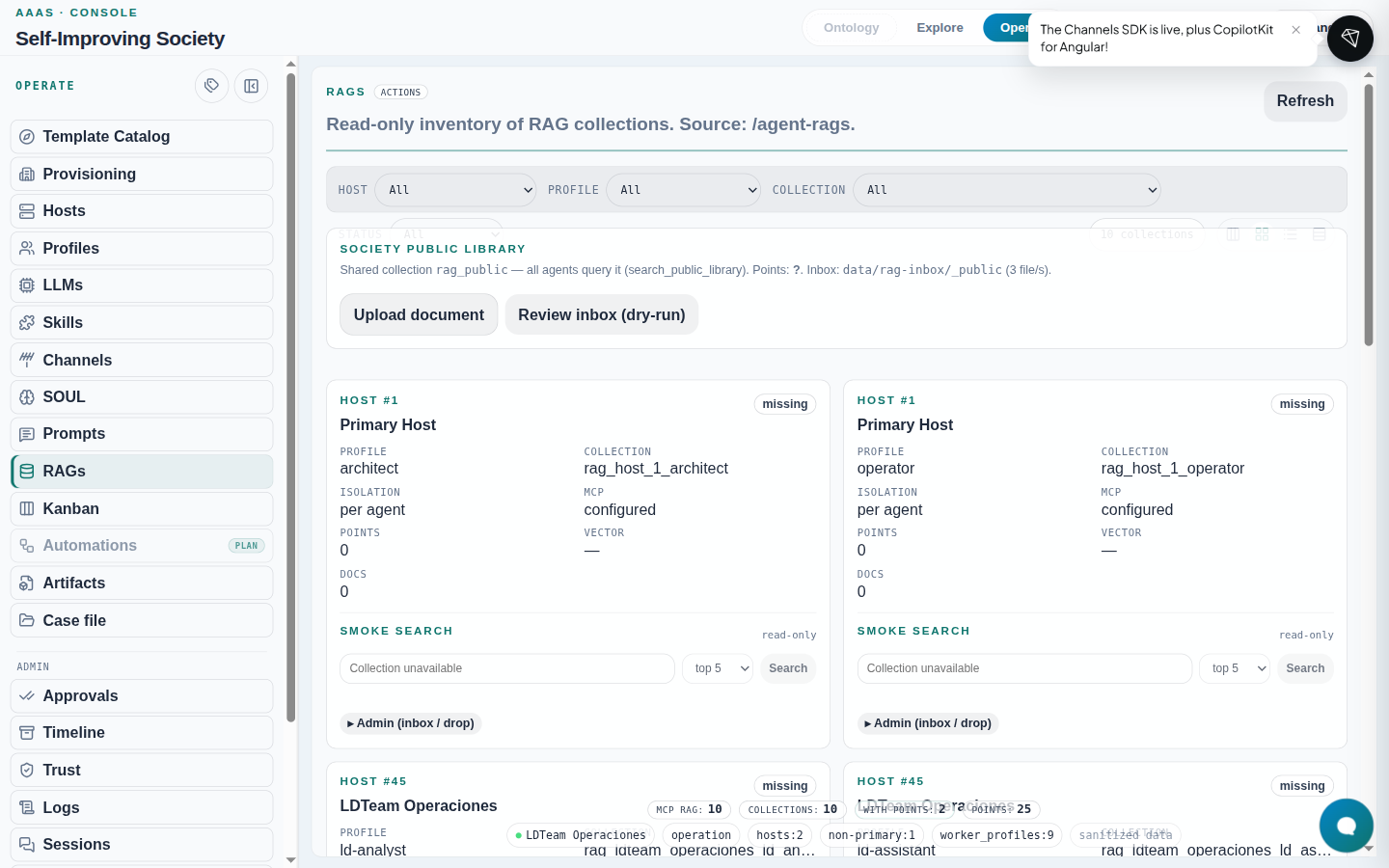
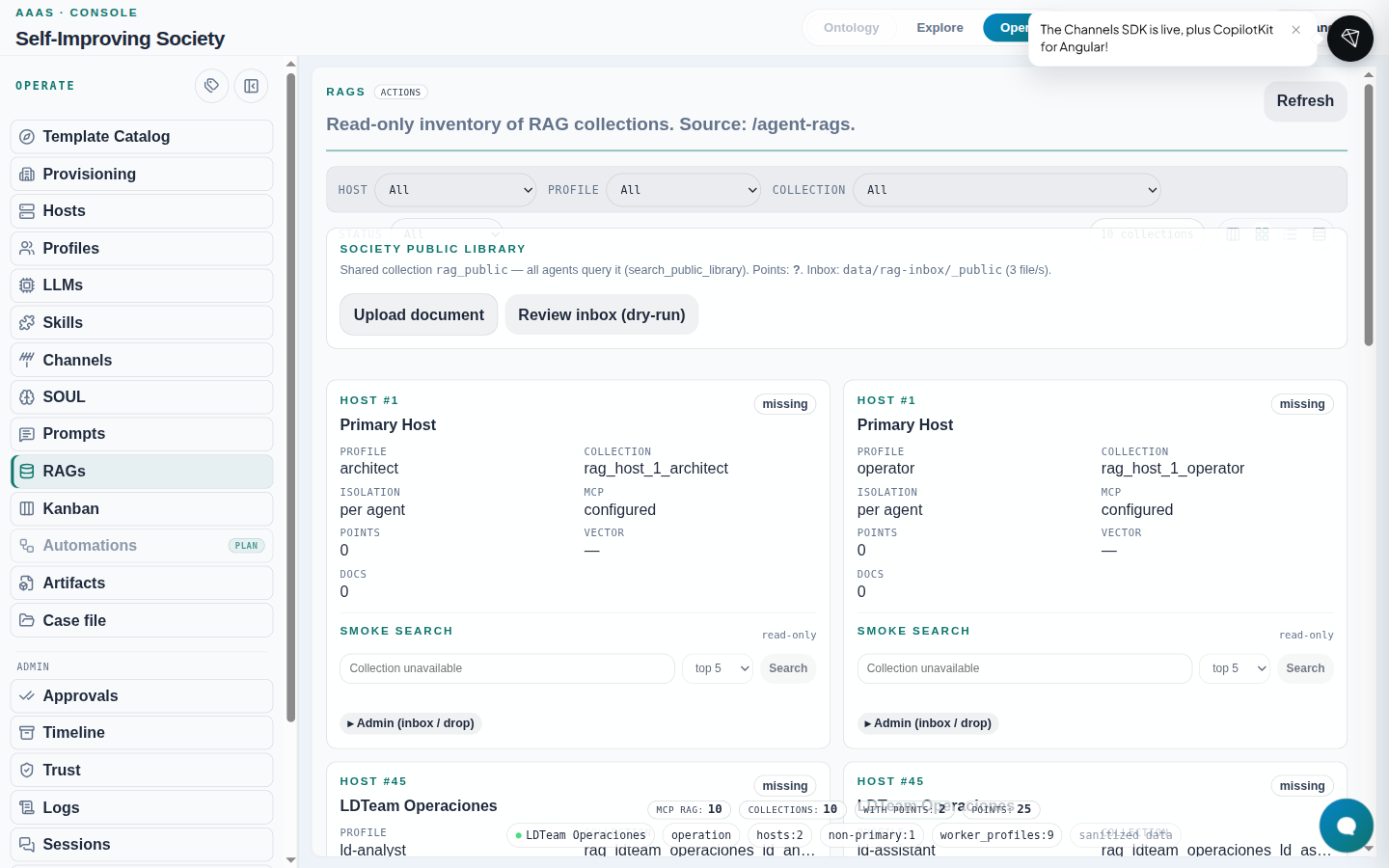
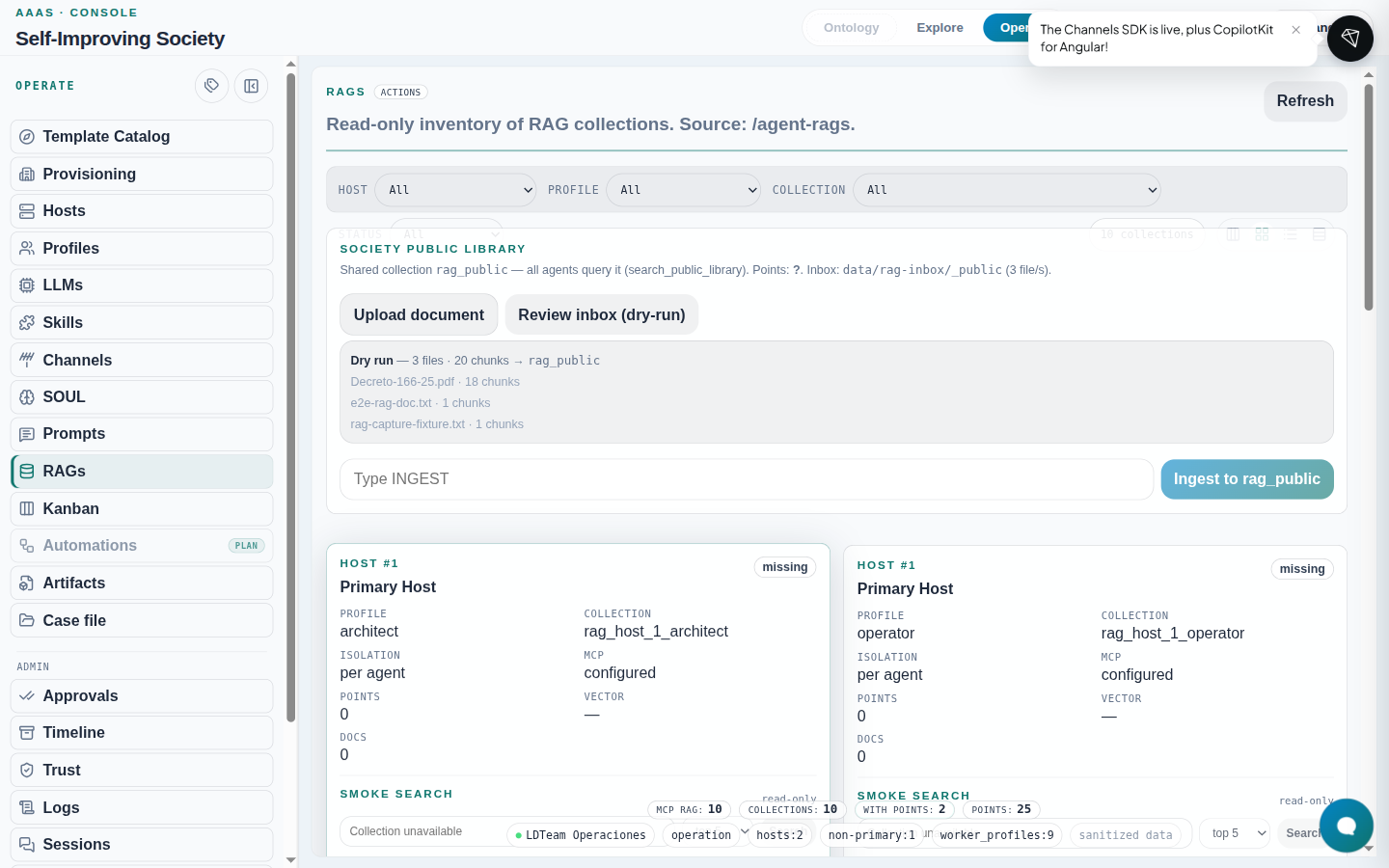
- Inventory of collections by host/profile (
GET /agent-rags). - Public library at top: upload + dry-run + ingest with
INGESTconfirmation. - Each agent card: state (
ok/missing/error), smoke search, Admin panel (upload / queue / drop) withrag:write.
Ingest step by step (UI)
- Locate the profile row (e.g.
ld-researcheronLDTeam Operaciones). - Expand Admin (queue / drop).
- Upload document → choose
.txt/.md/.pdf. - Review queue (dry-run) → check chunks.
- Type
INGEST→ Ingest.
What to expect: after a successful ingest, state becomes
okand smoke search stops reporting collection unavailable.
If it fails: 504 on large PDFs (nginx timeout ~60 s). CLI alternative:
# dry-run
containers exec society-executor society rag ingest \
  --profile ld-researcher --host ldteam-operaciones \
  --path /path/mounted/in-the-executor

# real ingest
containers exec society-executor society rag ingest \
  --profile ld-researcher --host ldteam-operaciones \
  --path /path/mounted/in-the-executor --confirm INGEST
The executor image includes society-rag. If an older container reports
ModuleNotFoundError: society_rag, rebuild and recreate only that service:
make build-executor
containers compose --env-file .env -f infra/containers-compose.yml \
  up -d --no-deps --force-recreate society-executor
Writes require SOCIETY_RAG_WRITE_ENABLED=true; the default is false. After ingest,
society rag list --profile <p> --host <h> and this view must show the same collection.